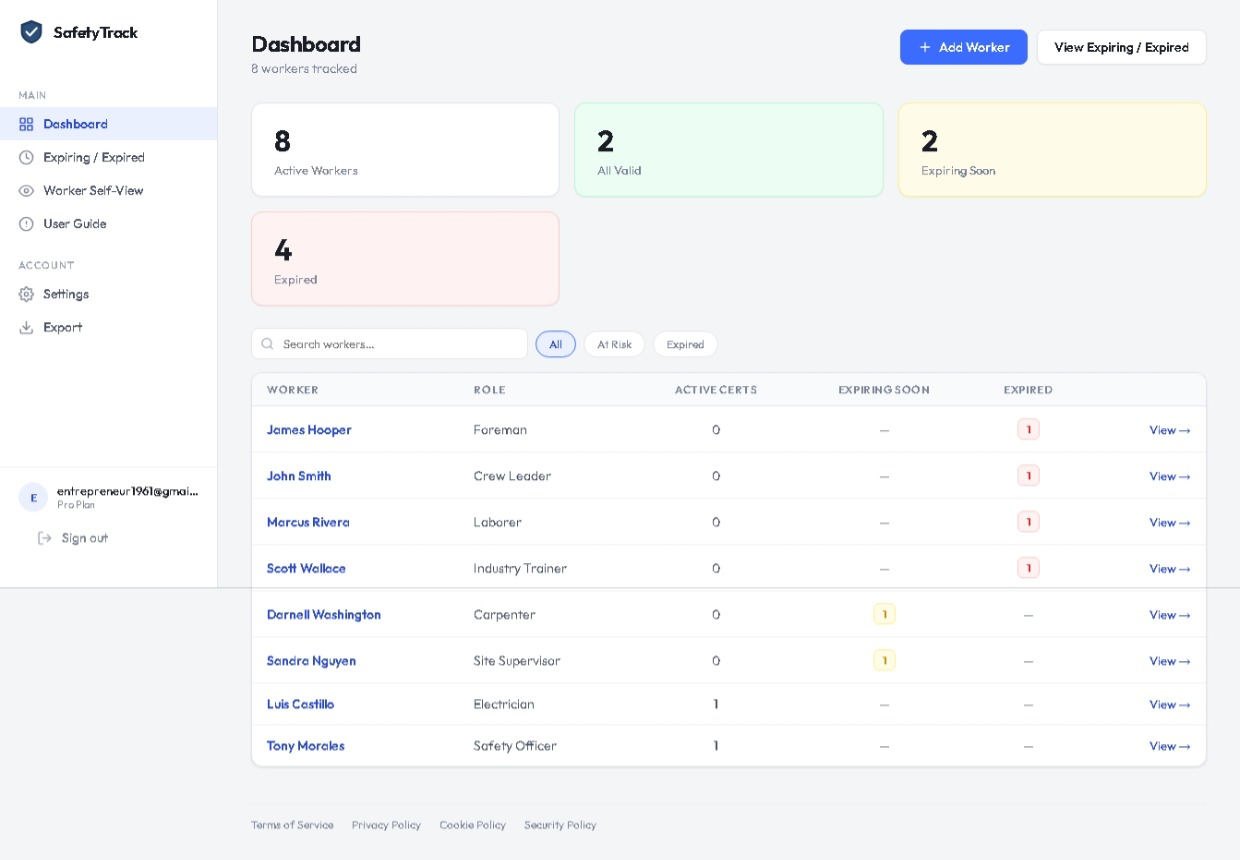
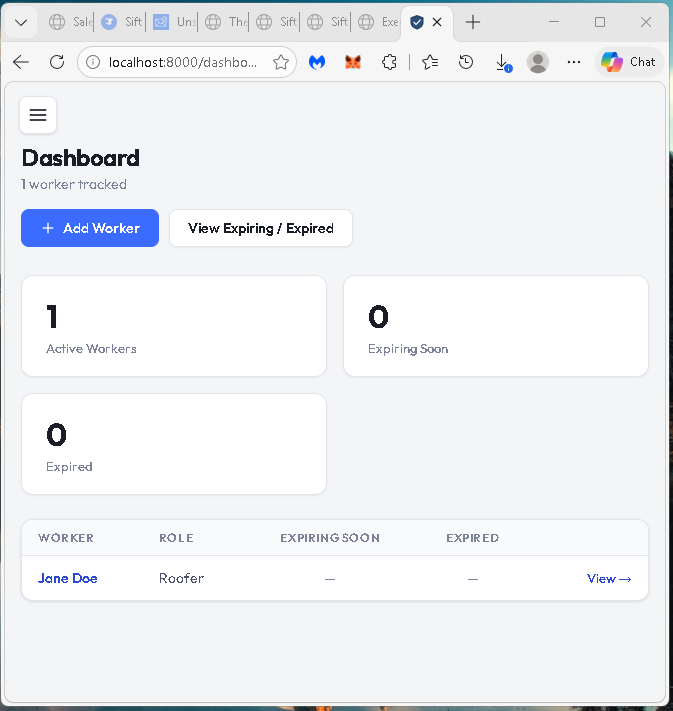
Your Dashboard, Anywhere
From the job site or the office — Safety Card Tracker works on any screen. See your crew's active certifications, expiring counts, and expired counts the moment you log in. No app download required.
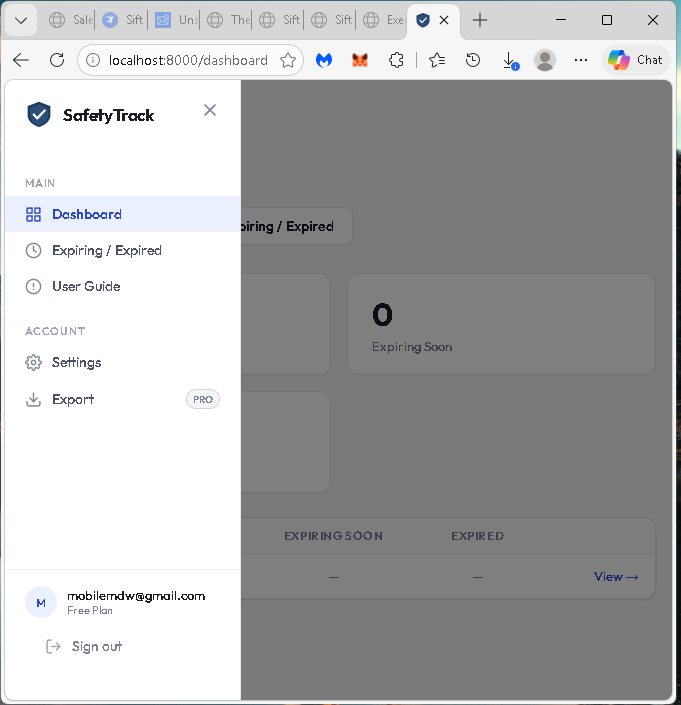
Clean, Intuitive Navigation
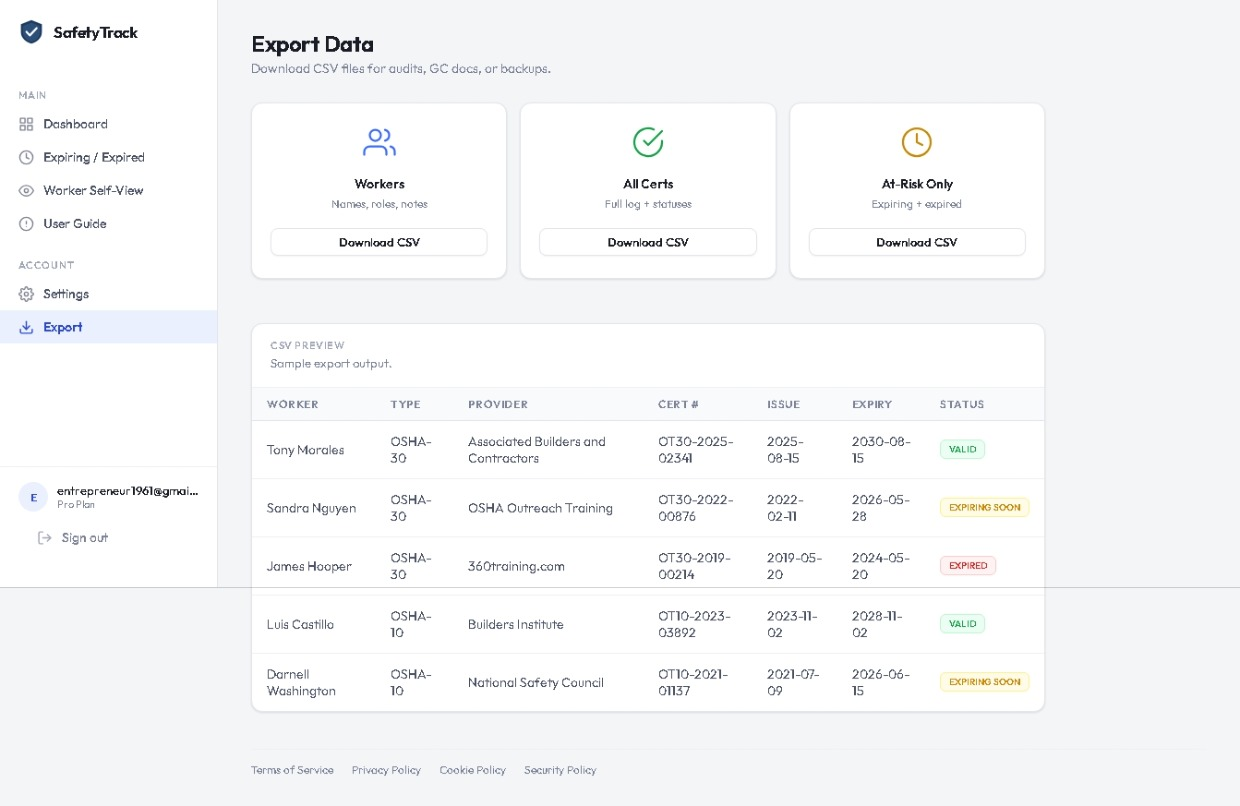
Dashboard, Expiring/Expired alerts, Worker Self-View, User Guide, Settings, and CSV Export — all clearly organized in the sidebar. Your plan and account email are always visible at a glance. Works just as cleanly on mobile as on desktop.
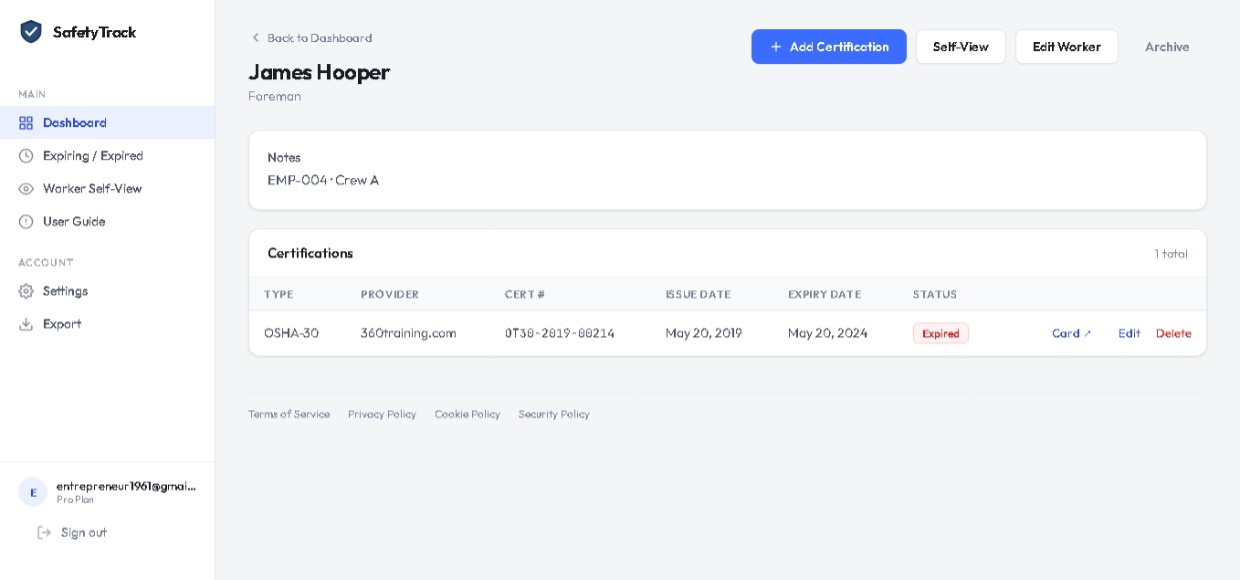
At-a-Glance Status for Every Worker
The dashboard shows active certifications, expiring soon, and expired counts for every worker — all on one screen. No spreadsheets, no hunting through folders. Add a worker and their certifications in under two minutes.
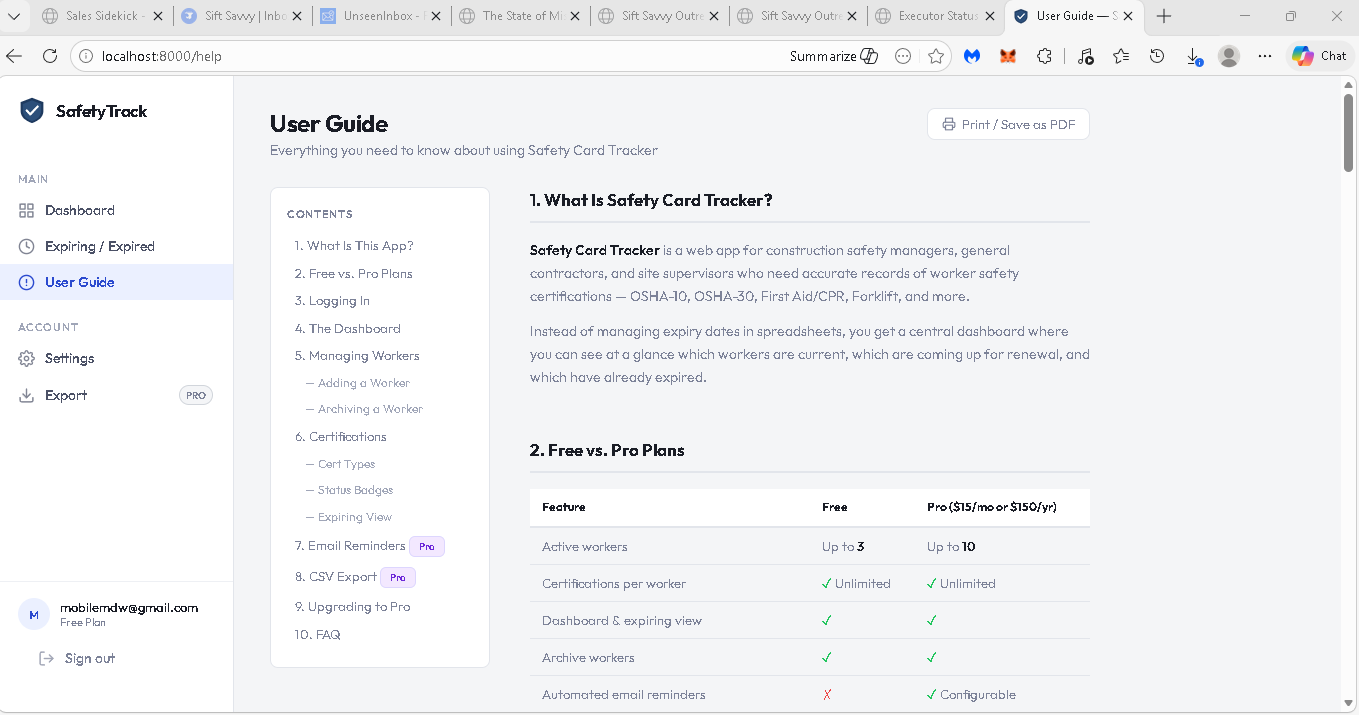
Built-in User Guide — No External Docs
A complete help guide lives inside the app. Plan comparison, step-by-step workflows, cert type explanations, billing walkthrough, and a full FAQ — everything your team needs without leaving the screen. Printable as PDF directly from the browser.
Audit-Ready CSV Reports in One Click
When the GC asks for compliance documentation, go to Export and download in seconds. Three report types — Workers, All Certifications, and At-Risk Only — open directly in Excel or Google Sheets. The At-Risk Only report includes a "Days Until Expiry" column so nothing gets missed.
Full Crew, Full Control
Track up to 25 workers with color-coded status badges — Valid, Expiring Soon, Expired. Instant search and filter by All, At Risk, or Expired. See exactly who needs attention this week without scrolling through a spreadsheet. Daily email reminders keep you ahead of renewals automatically.